Queue Management System in Saudi Arabia: 2026 Guide
Choosing a queue management system in saudi arabia is no longer a nice-to-have for banks, clinics and government counters. Customers expect to know how long they will wait, and they expect that wait to feel fair. This guide explains how modern systems work, what they cost in effort, and how to pick one that fits your branch.
We wrote it for operations managers who are tired of crowded lobbies and unhappy walk-ins. You will find a comparison table, a rollout checklist and answers to the questions buyers ask most often.
Why Saudi Service Counters Are Changing in 2026
Saudi Arabia is digitising public and private services at speed. The national Vision 2030 programme pushes agencies to raise service quality and measure it. Waiting time is one of the easiest numbers to measure, so it has become a headline metric.
Footfall is also rising. Malls, hospitals, telecom stores and municipal offices in Riyadh, Jeddah and Dammam all report busier peak hours. Paper tickets and shouted names cannot keep up with that volume.
A good digital queue turns a messy crowd into an ordered flow. Staff see who is next, managers see where the bottleneck sits, and customers stop crowding the desk.
How a Modern Queue System Actually Works
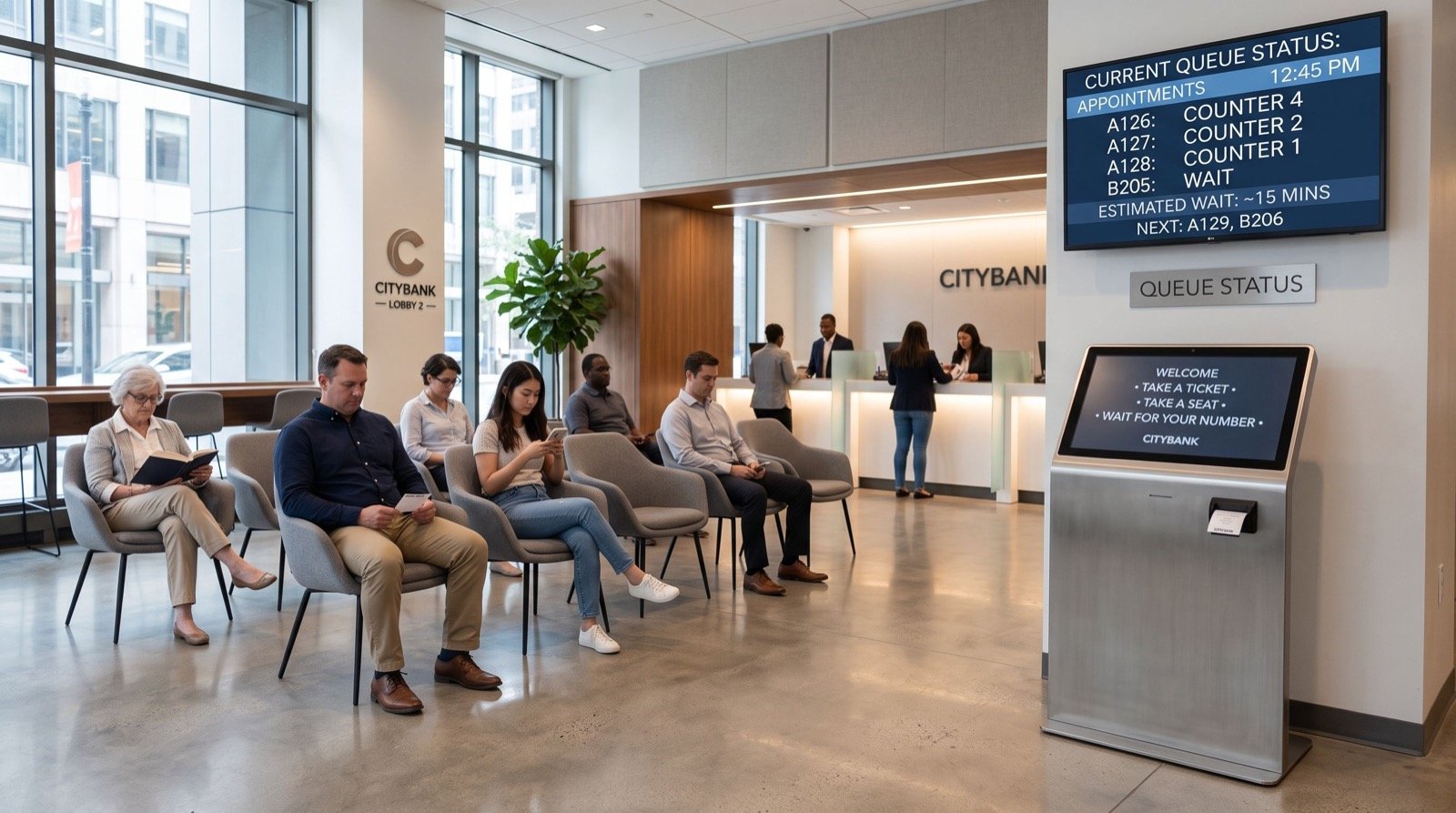
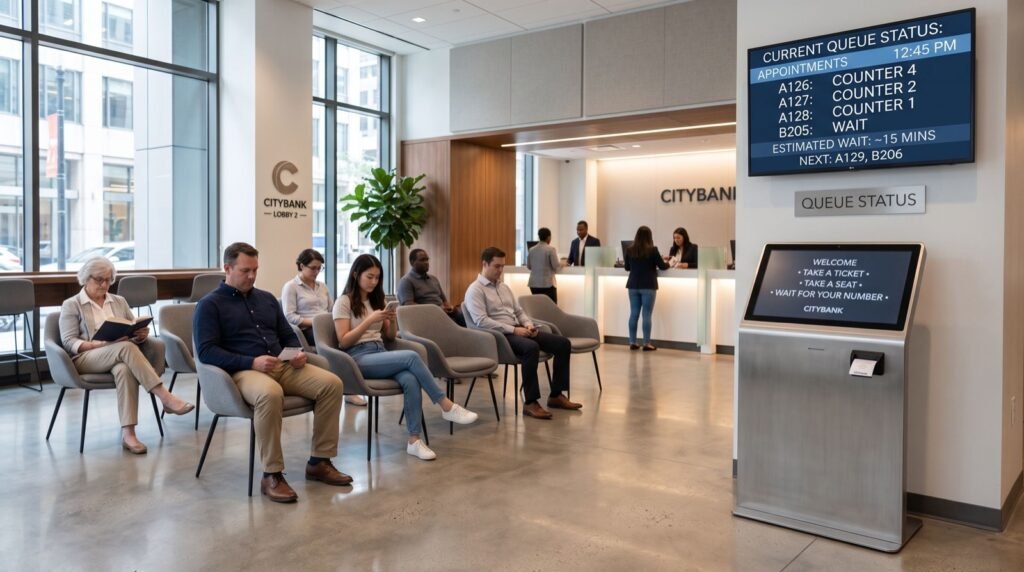
The idea is simple even if the hardware varies. A visitor requests a ticket, the system routes it to the right counter, and a display calls the number. Behind that sits software that records every step.
The Core Components
- Ticket kiosk or mobile check-in: the visitor picks a service and receives a number.
- Counter terminals: staff call, recall, transfer or close each ticket.
- Display screens and audio: numbers appear in Arabic and English, with voice announcements.
- Analytics dashboard: averages, peaks, abandoned tickets and staff performance.
- Feedback keypads: a quick satisfaction score after each visit.
Bilingual Support Matters
In the Kingdom, a kiosk that only speaks English frustrates half your visitors. Look for right-to-left Arabic screens, Arabic voice calling and Arabic ticket printouts. Test this during the demo, not after installation.
What Is the Best Queue Management System for a Saudi Branch?
There is no single best product. The right pick depends on your visitor volume, number of services and branch layout. Use the table below as a starting point.
| Business type | Typical daily visitors | Recommended setup | Key feature to demand |
|---|---|---|---|
| Small clinic | 50 to 150 | Single kiosk, one display | SMS call-ahead alerts |
| Bank branch | 200 to 600 | Multi-service kiosk, counter terminals | Priority lanes for VIP clients |
| Government office | 500 to 2,000 | Multi-floor network, central server | Appointment booking plus walk-ins |
| Retail or telecom store | 100 to 400 | Mobile ticketing, digital signage | Remote queue via QR code |
Five Benefits You Can Measure
- Shorter perceived waits. People tolerate a longer wait when they can see their position.
- Balanced staff workload. Tickets route to the least busy qualified agent.
- Fewer walkouts. Remote check-in lets customers wait in a cafe or their car.
- Better planning. Hourly reports show when to add a counter.
- Calmer lobbies. Order replaces crowding, which helps safety and staff morale.
One practical tip from field installs: record your average wait for two weeks before you go live. Without that baseline, you cannot prove the return on investment later.
Regional Context: Looking at Pakistan
Many Saudi operators also run branches or partners in South Asia, so it helps to see how deployments differ. A queue management system in pakistan usually has to cope with power cuts and variable connectivity. That pushes buyers toward offline-capable servers and battery-backed kiosks.
In the Kingdom, infrastructure is stronger, so the focus shifts to integration. Buyers want links to appointment portals, national ID checks and CRM tools. The core queue logic is the same, but the surrounding requirements are different.
If you operate in both countries, choose a vendor that supports both setups under one management console. That avoids running two unrelated systems.
Rollout Checklist for Your First Branch
A calm installation beats a rushed one. Follow these steps in order.
- Map every service and decide which counters can handle each.
- Define ticket prefixes, such as A for accounts and B for inquiries.
- Choose kiosk placement away from the entrance to prevent a pile-up.
- Install screens where every seat has a clear line of sight.
- Train staff for one hour on call, recall, transfer and break modes.
- Run a pilot week with a floor greeter helping visitors.
- Review the dashboard, then adjust counters and prefixes.
When you need help with wiring, software setup or hardware faults, work with trusted professionals who know the local environment and can respond quickly.
Common Mistakes to Avoid
Buying Hardware Before Defining Flow
Teams often order kiosks first and think about service routing later. Define the customer journey on paper, then buy equipment to match it.
Ignoring Staff Buy-In
If agents see the system as surveillance, they will resist it. Explain that the data helps balance workloads and justify extra headcount.
Skipping Maintenance Plans
Thermal printers jam and touchscreens collect dust. Agree a support contract with response times before signing.
Budgeting and Return on Investment
Cost depends on counters, kiosks and screens, but the return is easier to estimate than most buyers expect. Start with three numbers: average wait, visitors per day and the share who walk out without service. Even a modest drop in walkouts usually covers the monthly cost.
Hidden Costs to Plan For
- Annual software licences and update fees.
- Paper rolls and printer heads for ticket kiosks.
- Staff training when new employees join.
- Network upgrades if screens share an old switch.
Questions to Ask Every Vendor
Ask where data is stored, how quickly engineers reach your site and whether the licence covers extra counters. Request two customer references in a similar industry and call them. A confident supplier will happily share contacts.
Frequently Asked Questions
How long does installation take?
A single branch usually takes one to three days for hardware and configuration, plus a short training session. Multi-site networks take longer because of server and network setup.
Can customers join the queue from their phones?
Yes. Most modern systems offer QR code or SMS check-in, so visitors can join remotely and receive an alert when their turn nears.
Does a queue system work with appointments?
It does. Booked visitors check in on arrival and are served in their slot, while walk-ins fill the gaps. This hybrid model is popular in clinics and government offices.
How do I know the system is working?
Compare your pre-install baseline with post-install averages for wait time, service time and abandoned tickets. Improvements should appear within the first month.
Conclusion
A well-chosen queue management system in Saudi Arabia reduces waiting, protects staff and gives managers real data. Start with your own flow, insist on Arabic support, plan for maintenance and measure results. Ready to compare options for your branch? Request a demo and test the system with your own services in 2026.